Pretty figures
IPE editor: ipe.otfried.org
Also in your browser if you prefer: ipe-web.otfried.org
IPE allows to save PDF that remain editable in IPE and allows to use LaTeX natively in the figures.
IPE is almost impossible to use unless you learn some keyboard shortcuts, at least the following:
- S to select
- D to duplicate an object
- T to move an object (or Alt+drag)
- Ctrl+L to compile LaTeX text
- Ctrl+E to edit an object
- Ctrl+G to group objects
- Ctrl+B/F move objects to the back/front, Ctrl+Shift+B/F to just move one layer at a time
Colors
For the same paper, stick to the same color palette, ideally one that is readable by colorblind people as well.
For example: https://sronpersonalpages.nl/~pault/#sec:qualitative
You can download the style sheet and load it in your IPE figure Edit > Style Sheets.
You can also download the color definitions for python plots and LaTeX.
If distinguishing the colors is not that important, you can import this huge list of colors in the same way.

Download the color definitions for Ipe, LaTeX, and python.
Size
Start by defining the space available in your paper. If it’s an IEEE paper, each column is 252pt, so 9 blocks of size 28pt.
If you are unsure, use \the\columnwidth in your document and see.
You will draw your figure in there, already in the right size, so that you can then insert it in you LaTeX document with scale=1 and
- line thickness will be uniform across the paper
- text size will be consistent with the paper (use footnote size in figures)
- visual appearance is as expected.


Fonts and LaTeX packages
Text should be identical to the rest of the paper, including mathematical symbols.
The easiest way to achieve that is to load the same preamble packages in Edit > Document Properties. For IEEEtran use
\renewcommand{\sfdefault}{phv}
\renewcommand{\rmdefault}{ptm}
\renewcommand{\ttdefault}{pcr}
\usepackage{amsmath,amssymb,amsfonts}
\normalfont\selectfont
If you are creating figures for a presentation, you can also load the standard beamer.isy style sheet already available in IPE (mostly to get sans-serif fonts).

SVG to IPE, PDF to IPE
If you have SVG figures that you want to use in IPE, convert them with this python script.
It comes from these tools: github.com/otfried/ipe-tools, but modified by me to fix a little bug.
I sometimes get icons from The Noun Project for this purpose (for a little fee if you don’t want to mention the author).
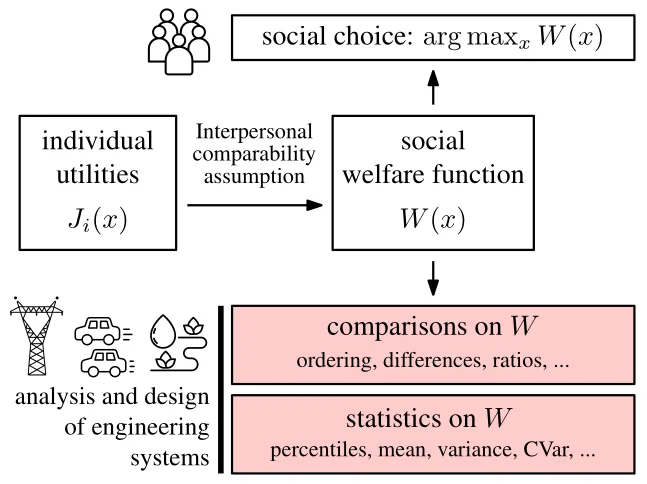
Examples (click to download the PDF, editable in Ipe)